Guides / Hardware & Wiring Requirements
Clinic IT Infrastructure & Server Space
This guide covers the IT and server infrastructure requirements for CHIME to run properly.
WiFi Connectivity
To minimize network interference, we prefer to “piggy back” off your existing network and if there are any “dead zones” or areas of low connectivity, we recommend that you work with your existing IT contractor.
In most situations, please create and provide us our own SSID (e.g. CHIME_Network) and password in advance, so that we can configure everything in advance of installation. If necessary, it is possible for us to use an existing SSID.
Please ensure the network supports 2.4GHZ. Most tablets support both 2.4GHZ and 5GHZ, but the TV companions only support 2.4GHZ.
Wired Connectivity
We will need to physically plug two devices into the clinic’s network via Ethernet (see the
One is the physical CHIME server. Another is a dedicated device used solely to remotely reboot the physical CHIME server should the need arise.
Please configure the network’s DHCP to assign the CHIME Server a fixed IP address (this can be done after we get our server plugged in, so that you can get the MAC address of our server)
We prefer that you do NOT give us a static IP to configure on the server directly because we find that approach is less fault-tolerant and is more likely to result in us having connectivity issues
We will map a URL to the internal IP address of the CHIME server that we install (e.g. accessing http://yourclinic.myclinic.io from an onsite computer will redirect to the static IP address of our server)
Please configure your network settings so that any device logged into the CHIME WiFi network can access the IP address of the server that we supply
Please configure your network so that any other clinic computer that you wish to have access to CHIME (e.g. each receptionist’s computer, each doctor’s computer) can access the IP address of the server that we supply.
Rack Space and Power Outlets
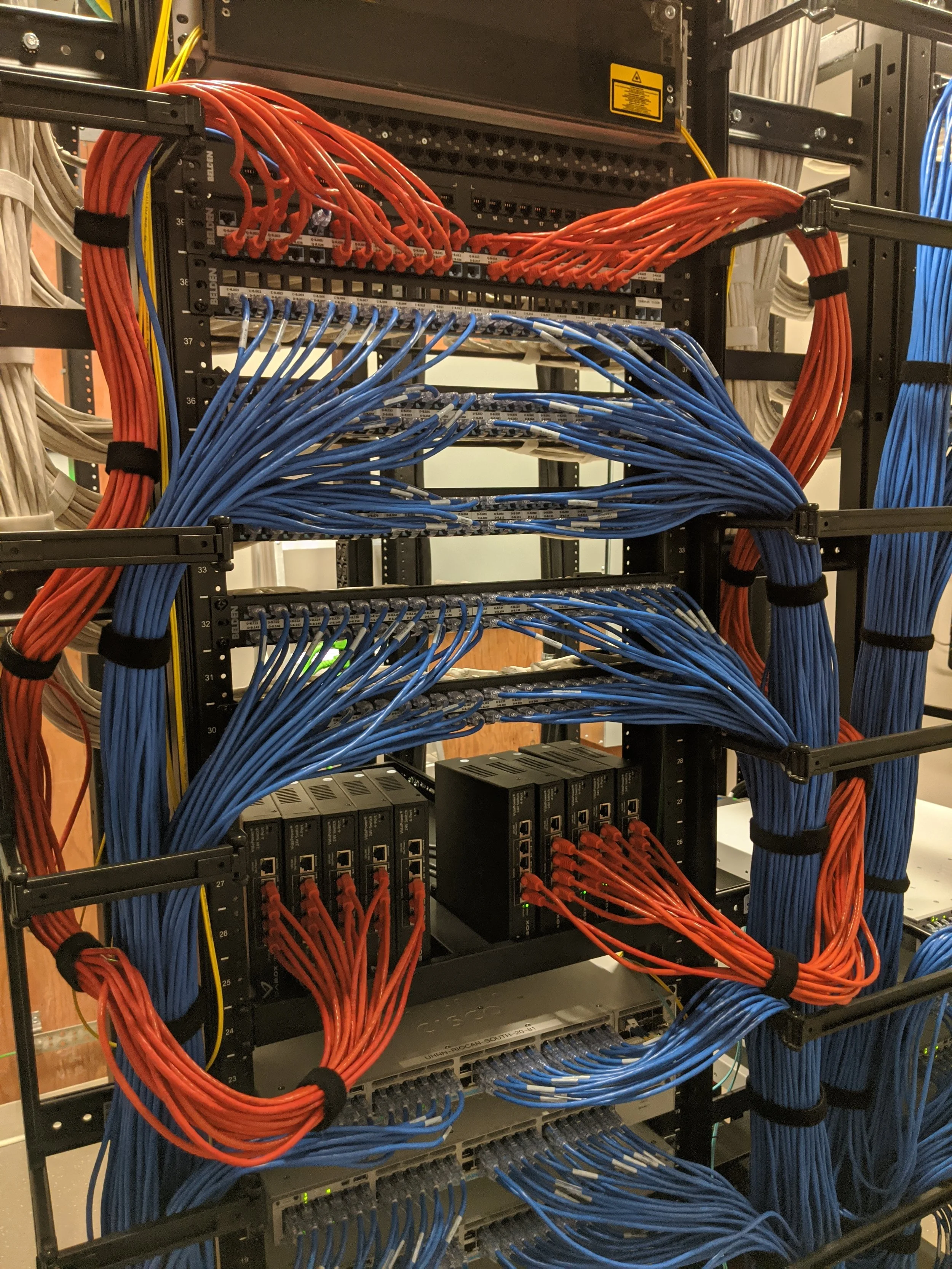
The standard rack space calculation we recommend is the sum of the following:
2U (for a shelf holding the CHIME server)
1U per PoE injector, 1 PoE injector per 10 tablets. For example, a 30 room clinic will required 3 PoE injectors so will need 3U
1U per patch panel (usually 1 patch panel per 48 ports)
We recommend supplying one power outlet for the CHIME server plus 1 power outlet per PoE injector as well.
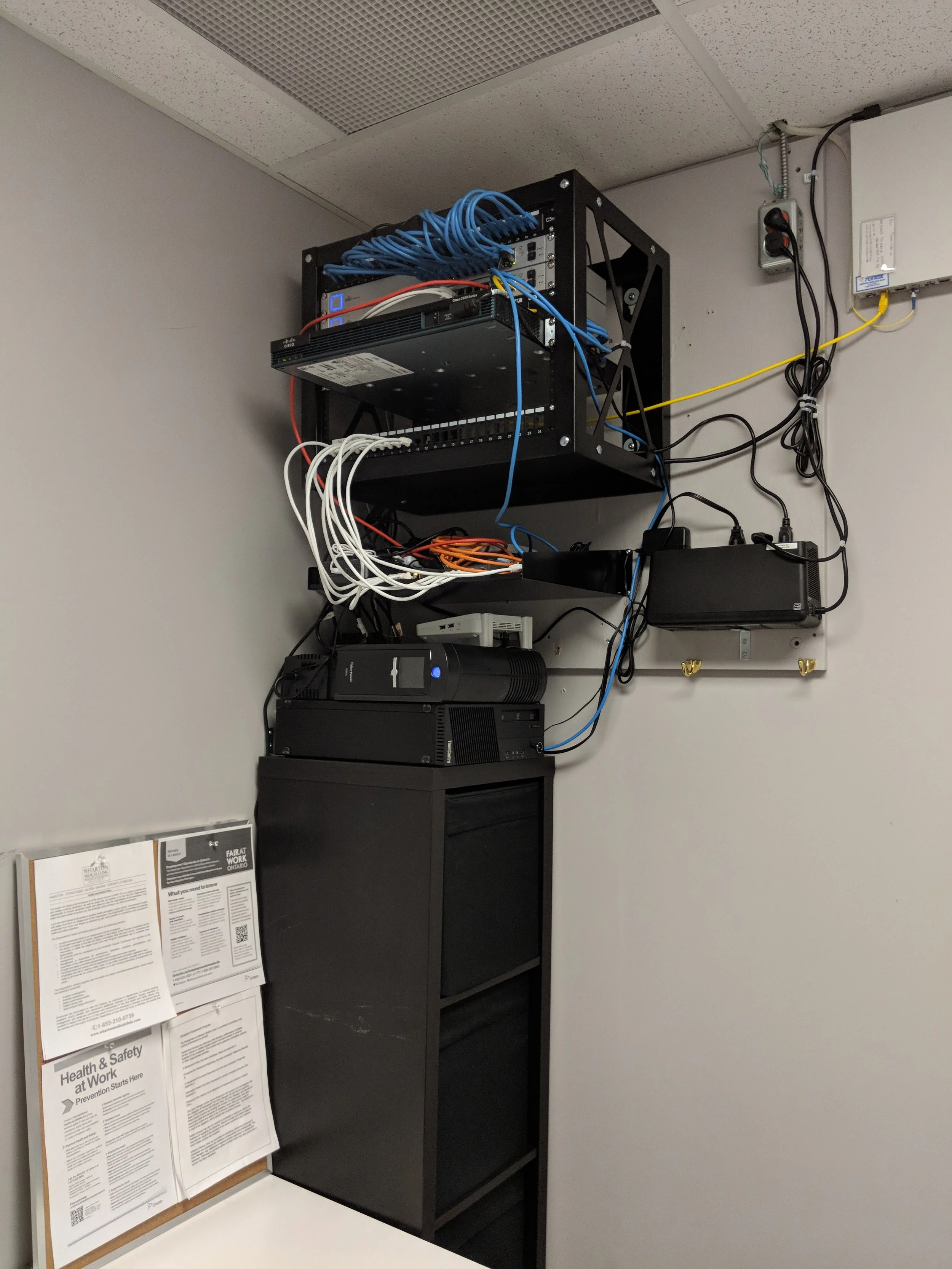
If insufficient rack space is available, CHIME can take responsibility for installing an additional wall-mounted rack at no cost.
Outgoing Connectivity
The CHIME server needs to be able to make outgoing SSH connections via port 2222 to allow for remote management. There are two specific IP addresses that need to be reachable (please contact your account manager for more details).
Additionally, the ezOutlet reboot device needs to to be able to connect to ag-0.Cloud4UIS.com and ag-1.cloud4uis.com via ports 3000 and 3001.
Lastly, the tablets are remotely managed and need to be able to connect to the ports and endpoints listed here under “Unified Remote Management”
Incoming Connectivity
No incoming ports need to be opened / configured.