
Guides / Hardware & Wiring Requirements
Decommissioning CHIME Room Tablets
Moving things around or repurposing a room? Instead of leaving an unused tablet on the wall powered up, it’s much better to take it down. Removing the hardware keeps the equipment in much better condition, ensuring you have a perfectly functioning spare ready to go whenever you need it.
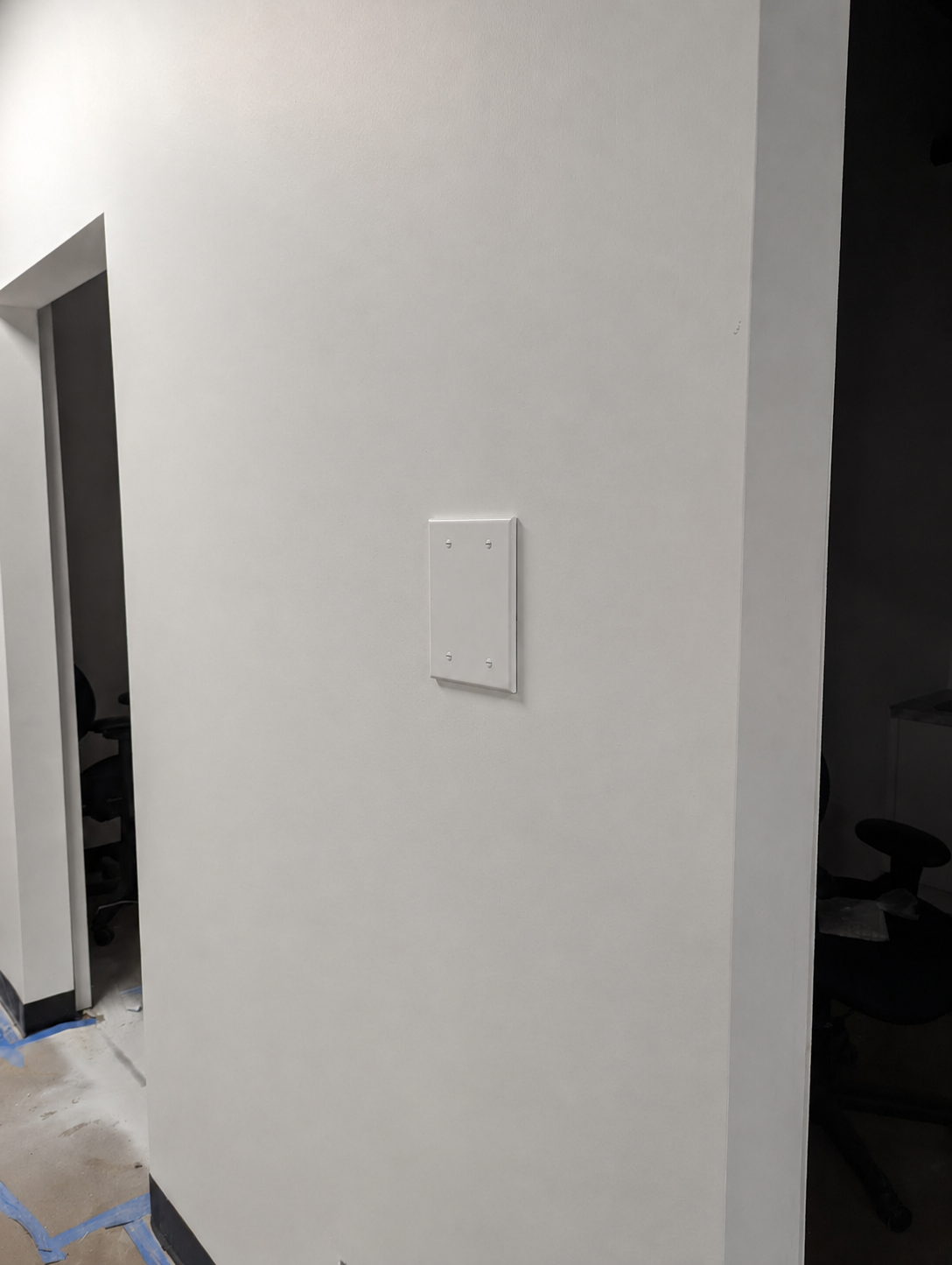
When you're ready to decommission a room, simply take down the tablet enclosure, remove any associated wall mounts, and unplug the PoE injector from behind the setup. Once all of those components are free from the wall, you'll be left with an exposed electrical gang box and the raw ethernet cable. We recommend buying a simple blank outlet cover (which you can grab for just a few bucks off Amazon) to clean up the wall and neatly cover the remaining hole.
The tablets will turn off automatically once the battery runs out. Keep all of the removed equipment on hand locally, as having extra enclosures, mounts, and power pieces around gives your team a reliable stash of spare components if you ever run into hardware issues in other rooms down the line.
Once everything is down, please let us know by emailing support@chimeclinic.com so we can relabel the devices as spare tablets in our management dashboard.
Please note that removing the physical device does not automatically delete the room from your dashboard. Ensure you notify support at support@chimeclinic.com or your account manager to formally remove these specific room assignments from your active CHIME dashboard database so it stops triggering offline alerts.
If you run into any issues during the physical removal process or need confirmation that the rooms have been wiped from your dashboard, please submit a ticket to our support inbox at support@chimeclinic.com.