Features / Configuration Level / Check-In Kiosk
Late & No Show Patients
Clinics can set a specific deadline for ‘late’ patients (e.g. 5 minutes after the appointment start time), so that if the patient arrives after the appointment time and tries to check in on the kiosk, it will not allow them to check in early and will flag staff instead. Patients who no-show can be either left in the system (for manual processing), or automatically removed.

What happens if a patient arrives late?
Patients will be directed to speak with one of the staff members. Staff can confirm with the physician whether the patient can still be seen, or if they arrived too late and will need to re-book their appointment.
Below is an example of what the check in kiosk may display to the patient when they try to check in.

What happens if a patient no shows?
CHIME is commonly configured in at least two ways, to accommodate clinic preferences:
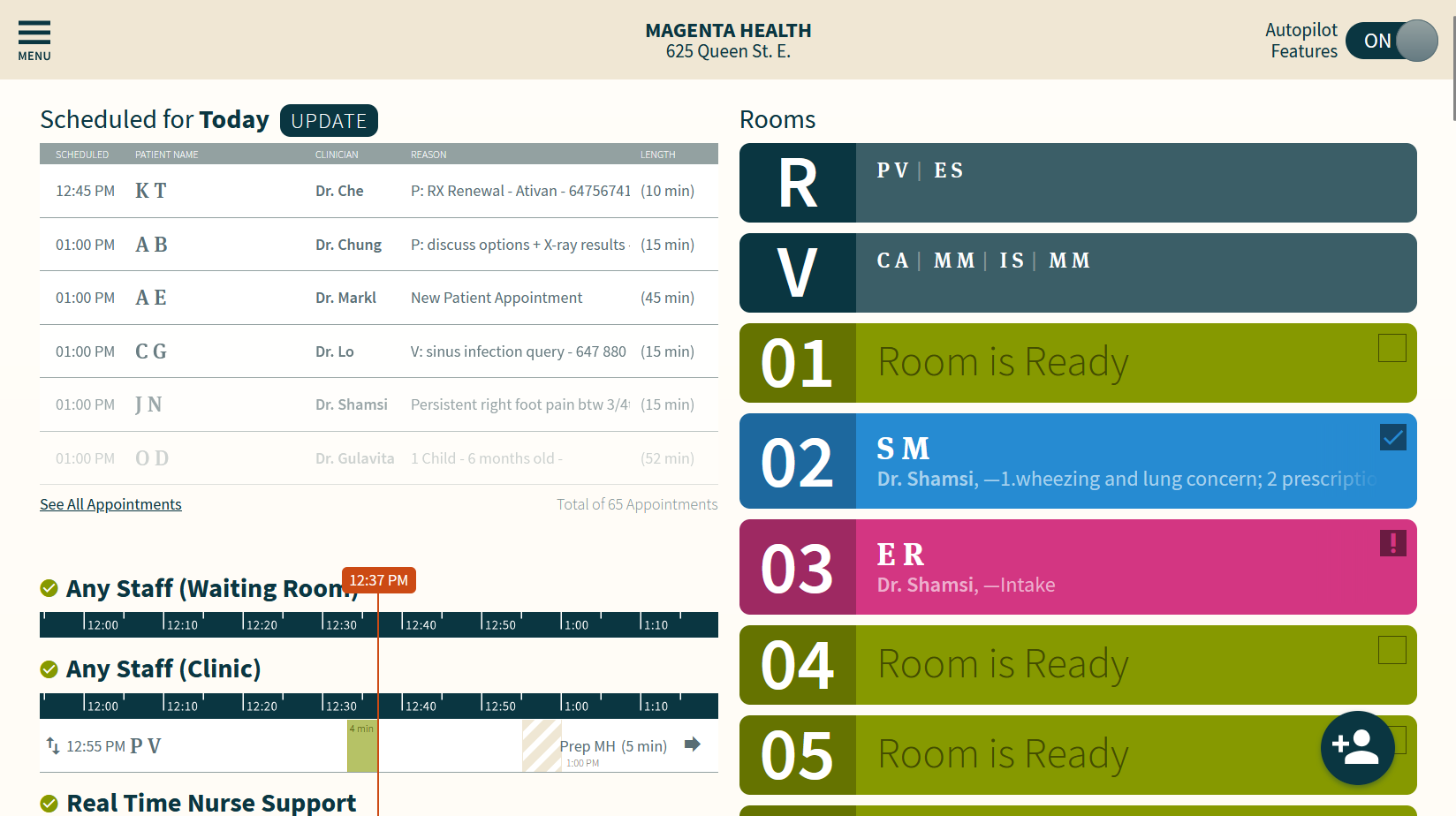
Scenario #1 is where no-show patients remain in the dashboard’s list of scheduled patients. Clinic staff can then use this list as a “to-do” list for the purpose of processing these no-show patients, such as sending them a no-show invoice manually.
Scenario #2 is where the no-show patients will be automatically removed from the list of scheduled patients when the patient’s appointment in the EMR is updated to mark the patient as a “no-show”. For clinics with an API integration between CHIME and their EMR, CHIME will usually be updated within 15 minutes of the patient’s appointment in the EMR being updated.