Tutorials / Hardware Tutorials / CHIME TV Companions
How to Replace your CHIME Waiting Room Display

If you have a CHIME managed TV, you likely have a TV companion device that is plugged into the TV.
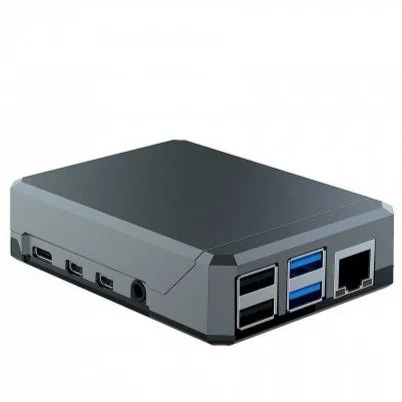
This device is what connects to CHIME, and sends a signal to your TV. It is usually placed behind the TV, or sometimes attached with velcro, is roughly the size of your palm, and looks roughly as depicted.
This device will have two cables connected to it:
an HDMI cable plugged into the TV
a power cable plugged into a power outlet
To replace the device, simply disconnect the cables from the old device and plug it into the replacement device. It should automatically boot up and work exactly as the old one did.